Your business page.
Your everyday tools.
Give customers a place to find you. Give yourself an easier way to manage services, bookings, and customer details—all from your phone.
Create your business pageFree to get started. No card required.
See what you can do with Tapyo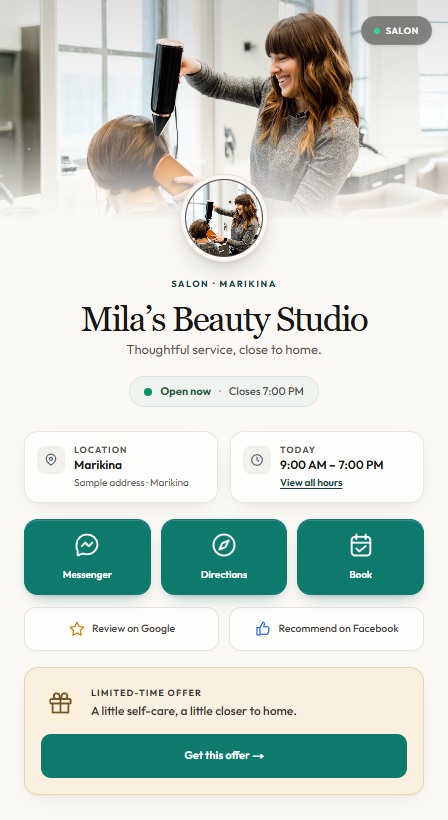
One place for everything customers ask.
Your hours, location, services, prices, and contact options belong together. Share one Tapyo page so customers can find the details and take the next step.
Location & directions
Help customers find your shop and check where you serve.
Business hours
Keep your weekly opening hours easy to find.
Ways to get in touch
Let customers call, message, or open your booking options.
Review links
Give customers a direct route to your Google and Facebook review pages.
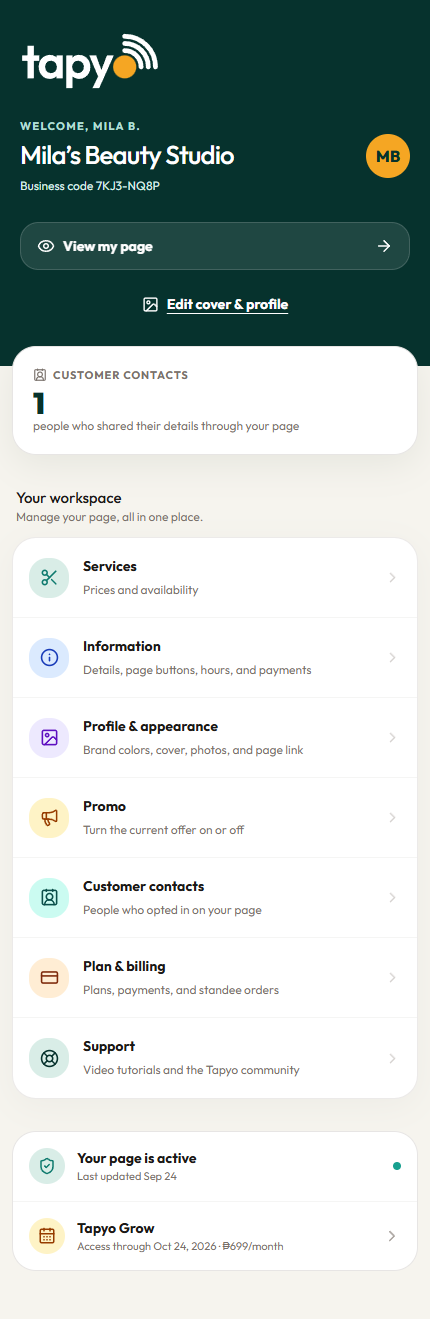
A business page and a place in the marketplace. When you sign up, your business appears in Tapyo’s directory automatically. Customers can search by name and filter by category and area.
Explore the directory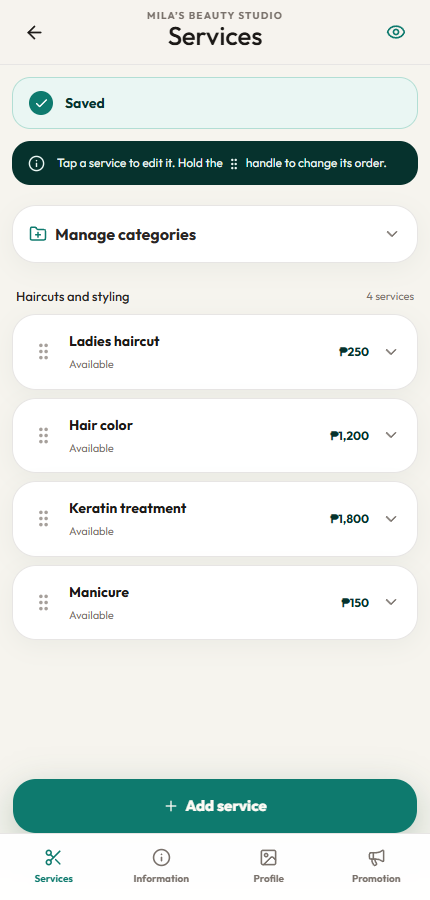
A new price? A new service? You’re in control.
Keep your catalog current without rebuilding a website. Open your dashboard, make your changes, and save.
- Organize services or menu items into categories.
- Edit prices, descriptions, photos, and availability.
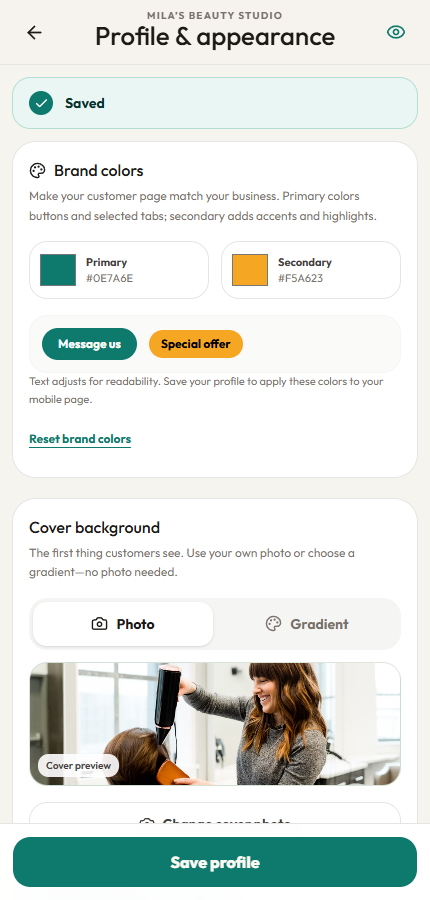
- Choose your photos, brand colors, and page appearance.
Make room for your next booking.
Let customers choose a service and an available time from your page. Manage the appointment from your calendar.
- Set service durations and your available hours.
- Block time off and add space between appointments.
- Reschedule, cancel, and keep track of appointment status.
- Customers receive a private link to manage their booking.
Turn on bookings when your services and schedule are ready.
A little more organized.
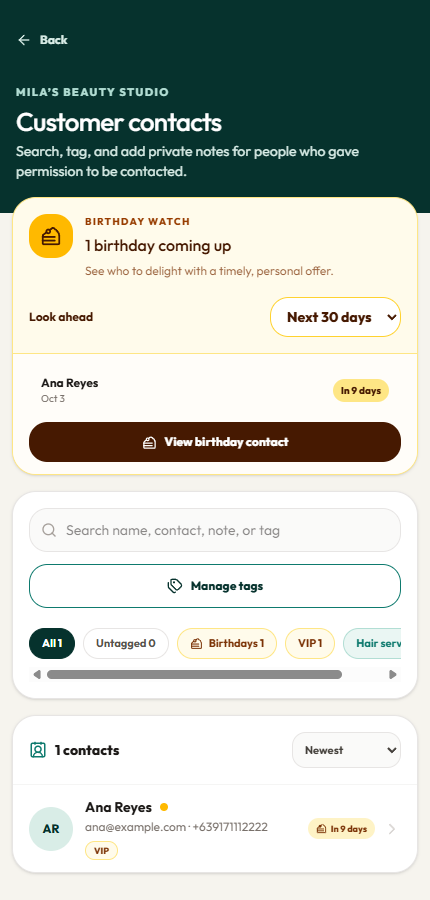
Keep customer details close at hand.
Give the details customers choose to share a home in your dashboard. Find a contact, add context, and pick up the conversation.
- Collect customer details through your page.
- Organize contacts with tags and private notes.
- Search your customer list and export your contacts.
Monthly contact allowances apply. Customer records are private to your business.
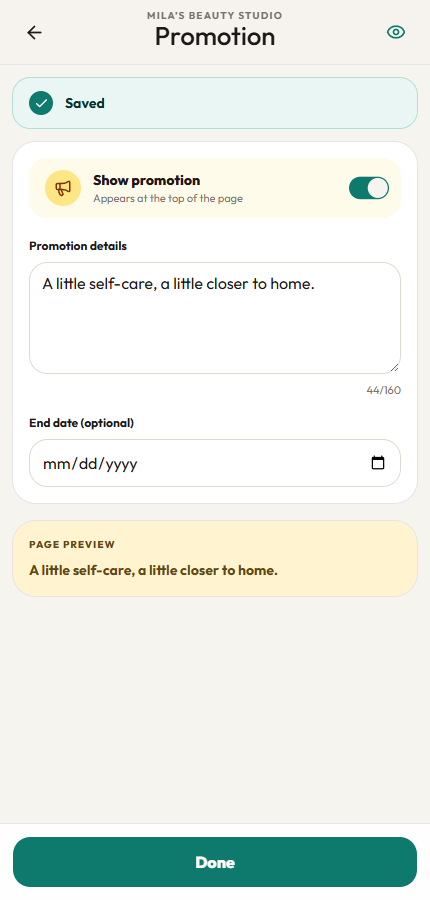
Give your latest offer a place to shine.
A seasonal package, a new treatment, or a weekday special—put the details on your page where customers can find them.
- Write and publish a promotion from your phone.
- Set an end date for a time-limited offer.
- Update or switch it off when your plans change.
The same link and QR keep opening your updated page.
One link. Plenty of ways to share it.
Add your Tapyo link to your social profiles, send it in a message, or share your QR at the counter. Customers open your page in their browser.
- A shareable business page and QR code.
- No app download needed for customers.
- Your details stay up to date behind the same link.
Optional NFC standees let customers open your page with a phone tap. Physical standees are sold separately.
Get a standee for ₱299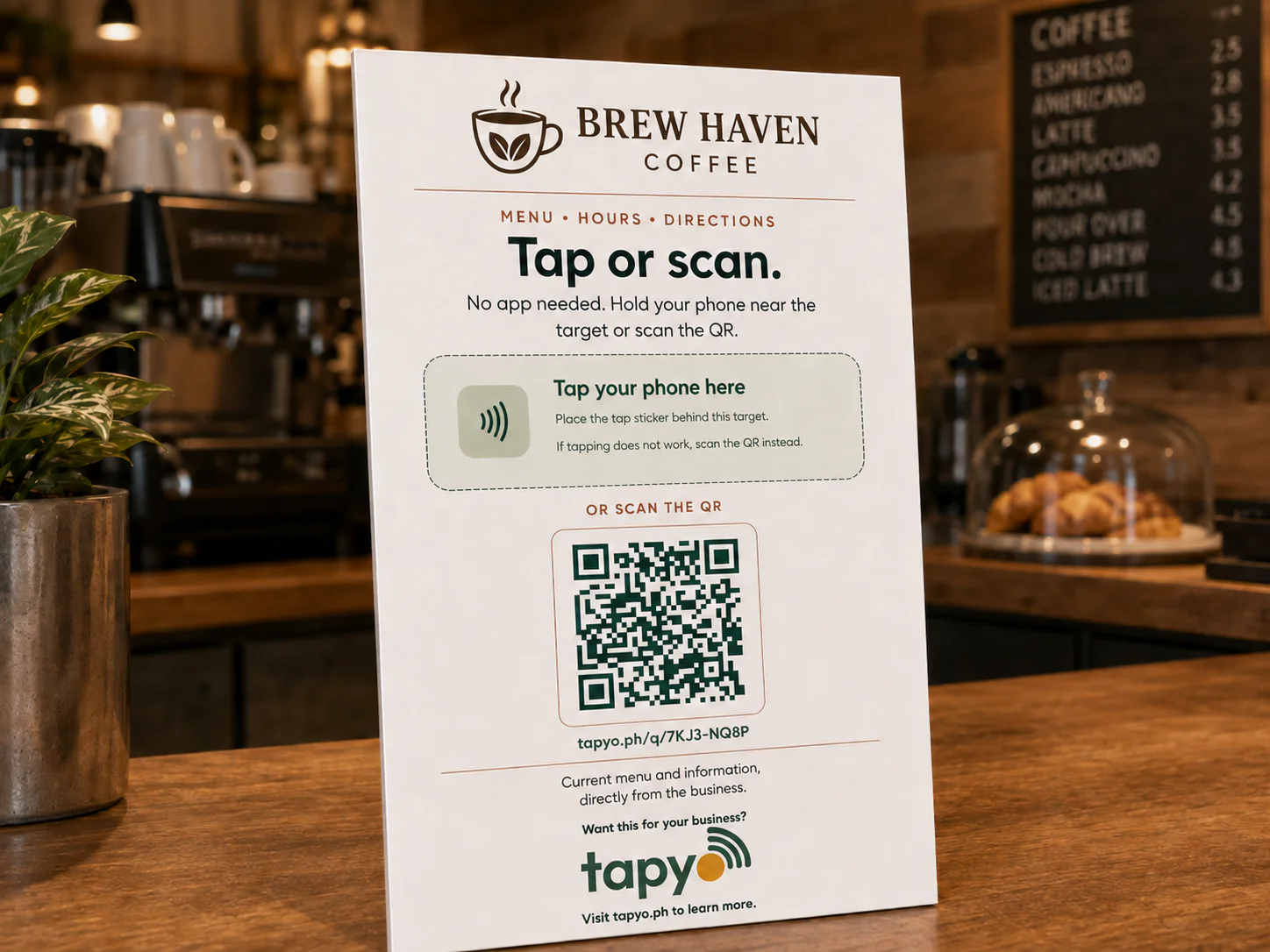
Put your Tapyo page on the counter.
Add a physical tap-and-scan standee to your reception desk, table, or checkout counter. Customers can tap with a compatible phone or scan the printed QR to open your business page.
₱299for one standee · one-time purchase
Order a standeeArrange your order with Tapyo on Messenger.
Optional physical add-on. Your business page and marketplace listing are free to get started, with or without a standee.
| Quantity | Price per standee |
|---|---|
| 1 standee | ₱299 |
| 2–4 standees | ₱249 |
| 5–9 standees | ₱219 |
| 10–24 standees | ₱189 |
| 25+ standees | Request a quote |
Bulk prices apply to each standee in your order.
A few things you might be wondering.
What happens when I sign up?
Your business page and free account are created, and your business appears in the Tapyo marketplace automatically. Sign in with your email to open your owner dashboard and continue setting up.
Can I manage everything from my phone?
Yes. The owner dashboard is built for mobile use, so you can update your business information, services, photos, promotions, customer contacts, and bookings from your browser.
Do my customers need a Tapyo account?
Customers can browse your page without an account. When they book or share contact details, they provide the information needed for that action.
Do I need to buy a standee?
No. You can create your business page, appear in the marketplace, and share your link or QR without buying a standee. A physical tap-and-scan standee is an optional one-time purchase, with bulk pricing for multiple counters or branches.
What is included for free?
Your free account includes the business page, marketplace listing, and non-AI owner tools. Includes 100 new marketing contacts per month, bookings, contact export, and up to 200 photos within 100 MB of image storage. Saved FAQ answers are free; AI replies are separate and are not included. Physical NFC standees are optional and sold separately.
Your business deserves a page of its own.
Start with your name, services, and location. Make it yours as you go.
Create your business pageFree to get started. No card required.